
Apple TV app
Scores and on-screen celebrations. No Mac needed.
Needs internet. Keep the app open during games.
Live sports. Your room.
Live scores. A room that celebrates.
Apple TV app Mac-powered browser boards
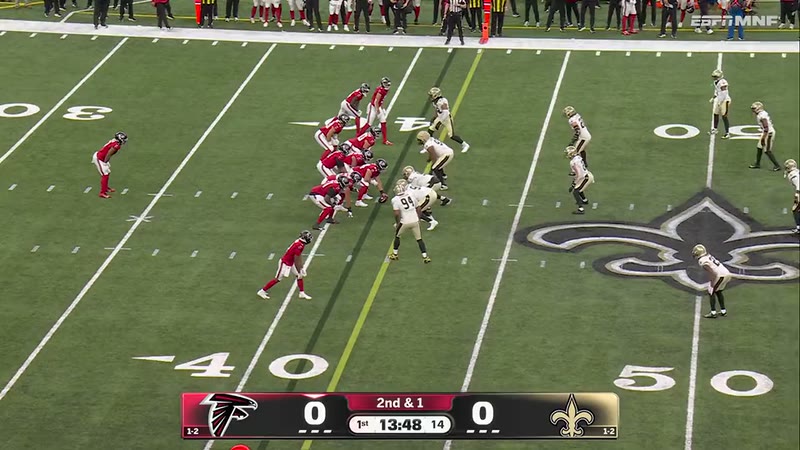
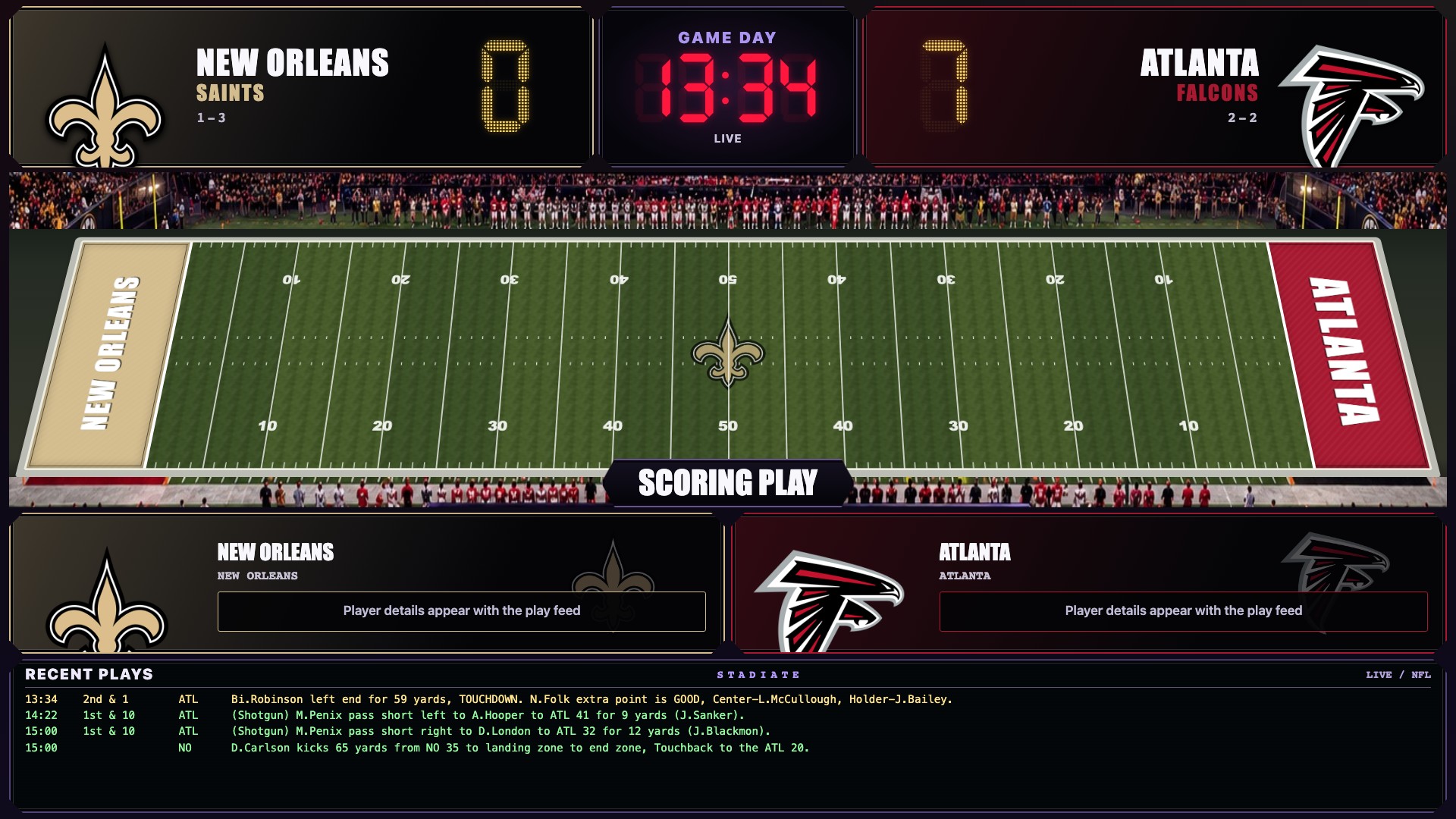
Bijan scores. The lights and second screen celebrate.
The main TV shows a prerecorded play supplied with permission to publish, not a live stream. It starts muted; use the controls below the TV for sound. Stadiate’s Falcons horn plays at the touchdown, then all video and audio end 4.5 seconds later. With reduced motion or autoplay blocked, tap Play to start. If playback cannot load, the demo uses verified play-by-play with synthesized effects instead. The second screen is a real Stadiate Action View capture. Room effects, including confetti, are illustrative: no devices are controlled. Real effects require an awake Mac server, compatible equipment, and configuration.
Illustrative room effects. Actual lights and sound need the Mac server and configured, compatible devices.
Use the Apple TV app, or run a board in a web browser with the Mac app.
Follow live scores beside your game. Keep watching through your usual TV service.
Want lights and sound? Connect compatible devices through the Mac app. This part is optional.
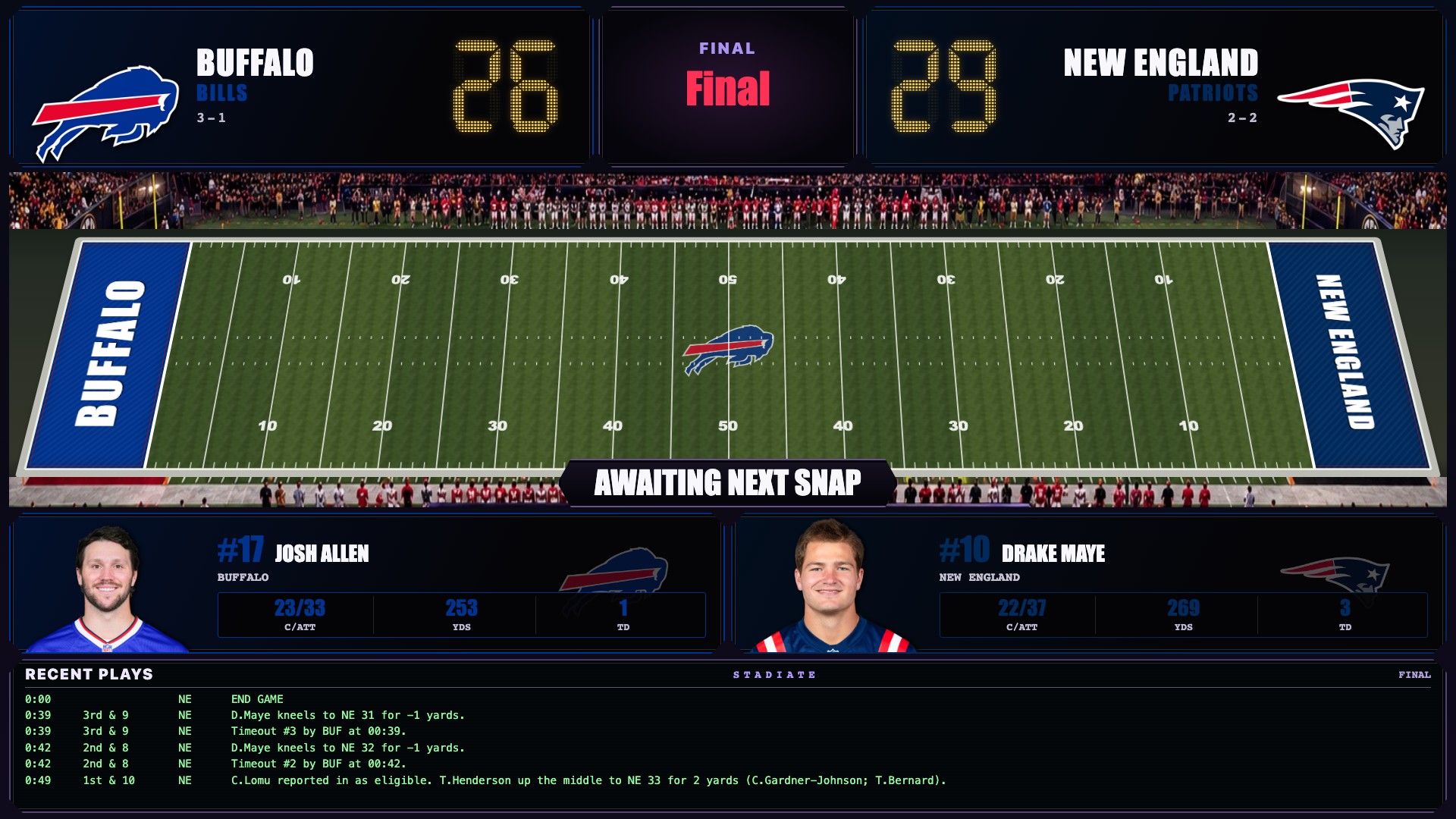
The field. The possession. The play that changes everything. A live game visualization, not a video broadcast.
Real results from October 3–4, 2026 (Eastern time), freshly rendered in Stadiate, not recorded during those games. Final scores, player stats, and play-by-play come from ESPN. Native Apple TV layouts may differ. Capture sources ↗
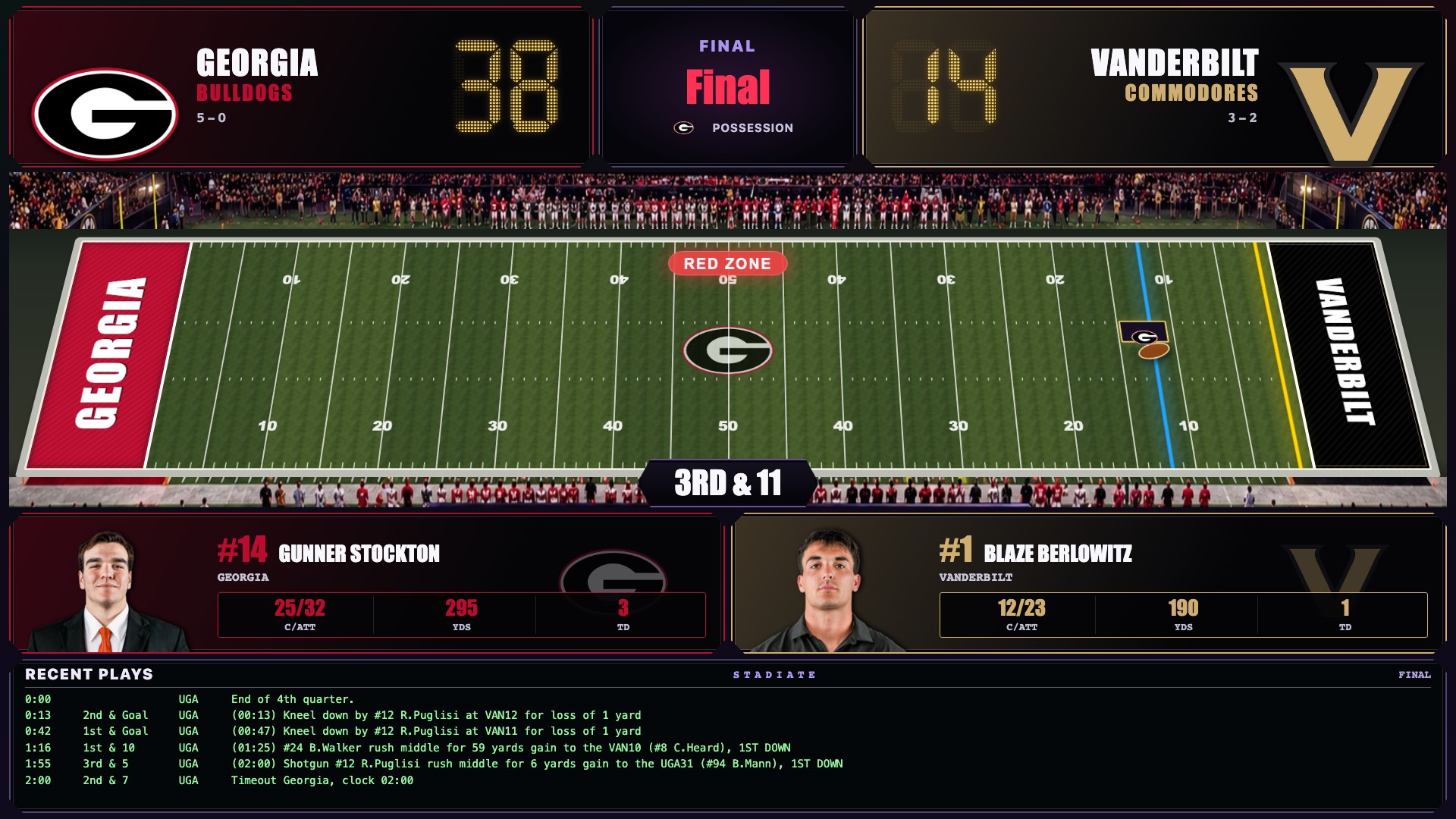 Saturday, tooGeorgia 38. Vanderbilt 14.Explore the college football board ↗
Four favorites. 12 more themes available on Mac-powered browser boards. Art View also works on Apple TV without a Mac.

32 NFL teams and 36 college programs, including the SEC. Tap a crest to preview its room colors.
Artistic stained-glass interpretations, in development. More leagues are being glazed now.
Scores and on-screen celebrations. No Mac needed.
Needs internet. Keep the app open during games.
Use a screen with a compatible web browser. No Apple TV needed; the Mac app runs the board.
Needs an awake Mac and internet. Room effects need compatible devices.
| What you can do | Apple TV only | With a Mac server |
|---|---|---|
| Follow teams & see live scores | ✓ On the Apple TV | ✓ Managed by the Mac |
| Multiview, Arena & ticker | ✓ Built-in TV views | ✓ Configurable board layouts |
| Art View | ✓ 14 themes, no Mac | ✓ Art on connected boards |
| Celebrations & spoiler-safe SYNC | ✓ On this Apple TV | ✓ Across the connected room |
| Phone control | ✓ Pair to this TV via QR | ✓ Full remote & settings |
| Smart lights & Sonos | Not standalone | ✓ Compatible devices required |
| Spoken calls & stadium ambience | Native horns only | ✓ Configure audio & voice |
| Coordinate multiple screens | Each TV is independent | ✓ Shared events, individual layouts |
| Live video capture & PiP | No video capture | ✓ Capture source + ffmpeg |
| Custom automation & webhooks | Not standalone | ✓ Rules & integrations |
| Fantasy-player celebrations | Requires the Mac server | ✓ Sleeper, manual, experimental CBS |
| Run while the TV app is closed | No · foreground only | ✓ Runs while the Mac is awake |
“With a Mac server” describes a configured hub and compatible connected devices, not features unlocked by installation alone. Live video requires your own source and permissions; protected content may not be capturable.
Follow player scoring events, not fantasy point totals. Use Sleeper, a manual roster, or CBS (EXPERIMENTAL). Choose starters or your full roster and check player mappings. CBS sign-in is best-effort and may be blocked.
No. Keep your usual TV service. Stadiate does not include broadcast rights or overlay other Apple TV apps. It shows scores on a companion screen. The demo’s prerecorded play is supplied with permission. Optional Mac capture needs your own unprotected source, ffmpeg, and macOS permissions; DRM still applies.
Use the built-in delay and SYNC on your phone to match your stream. Team and fantasy-player celebrations wait for the same game delay. On standalone Apple TV, pair your phone by QR code on the same Wi-Fi.
Browser boards and Apple TV boards, plus supported Hue, Govee LAN, Home Assistant, and Sonos devices. The Mac app runs locally while your Mac is awake. Sports data needs internet; integrations may need their own accounts. No Stadiate cloud account is required. Privacy policy.
Apple TV is in private TestFlight beta; Mac builds are private too. Public App Store and installer links will appear here when ready.